

Neuigkeiten
Neuigkeiten
Abschnitt betitelt „Neuigkeiten“Ein Eintrag pro in Produktion genommene Version, in Werkstattsprache. Die aktuelle Version steht in der Kopfzeile der Anwendung; die vollständige Nummer in der Fußzeile.
Versionen vor V0.9.5 sind auf Englisch.
- NestorCut spricht jetzt Spanisch: Oberfläche, Website und Dokumentation vollständig übersetzt. Die Sprache Ihres Browsers wird beim ersten Besuch erkannt, und das Sprachmenü bietet Español neben English, Français, Português, Deutsch und Italiano. Nebenbei folgen die Datierungen jetzt überall der App-Sprache — ein portugiesischer, italienischer oder deutscher Benutzer las englische Datierungen.
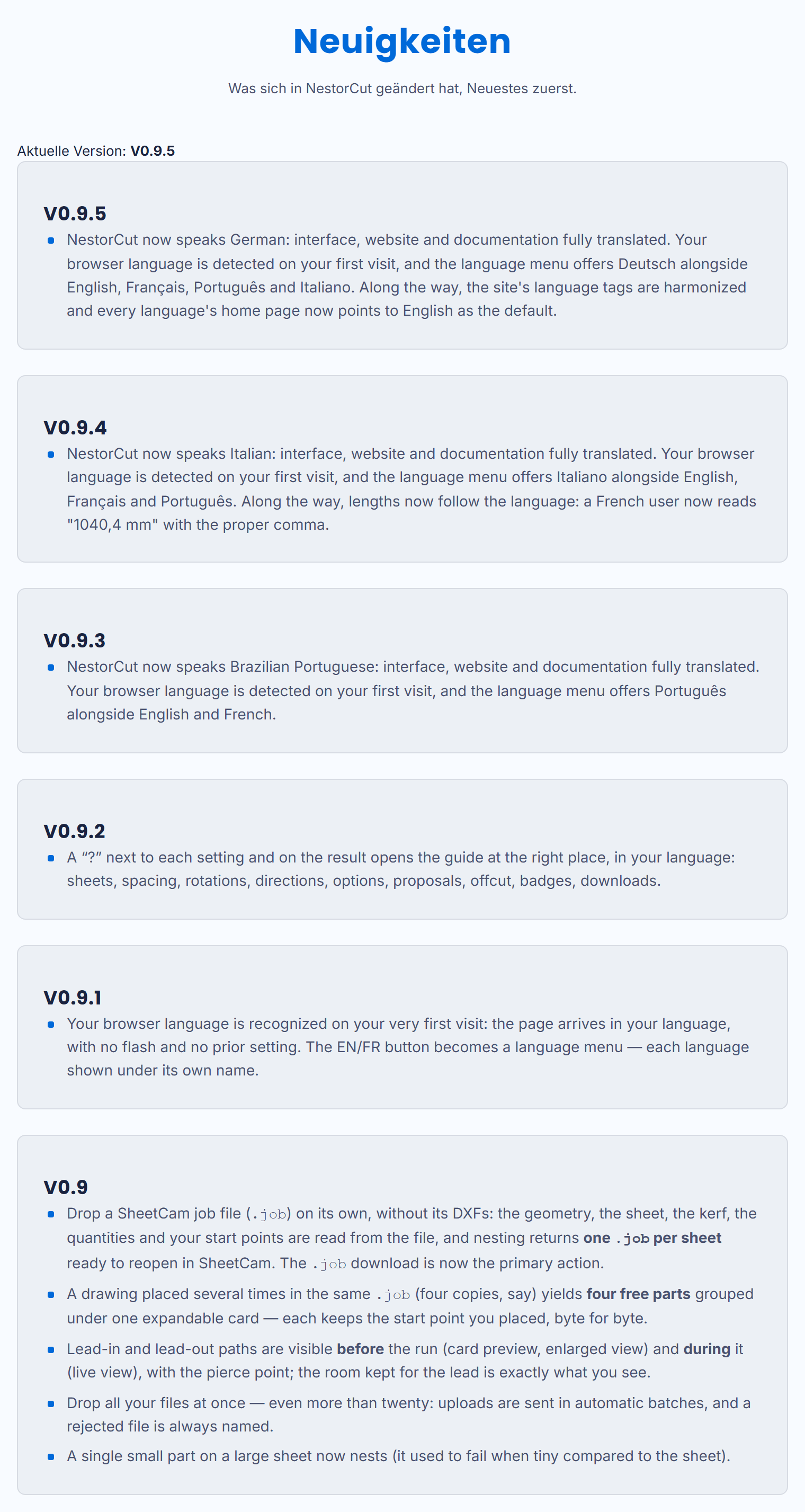
- NestorCut spricht jetzt Deutsch: Oberfläche, Website und Dokumentation vollständig übersetzt. Die Sprache Ihres Browsers wird beim ersten Besuch erkannt, und das Sprachmenü bietet Deutsch neben English, Français, Português und Italiano. Nebenbei sind die Sprach-Tags der Website harmonisiert, und die Startseite jeder Sprache nennt das Englische als Referenz.
- NestorCut now speaks Italian: interface, website and documentation fully translated. Your browser language is detected on your first visit, and the language menu offers Italiano alongside English, Français and Português. Along the way, lengths now follow the language: a French user now reads “1040,4 mm” with the proper comma.
- NestorCut now speaks Brazilian Portuguese: interface, website and documentation fully translated. Your browser language is detected on your first visit, and the language menu offers Português alongside English and French.
- A “?” next to each setting and on the result opens the guide at the right place, in your language: sheets, spacing, rotations, directions, options, proposals, offcut, badges, downloads.
- Your browser language is recognized on your very first visit: the page arrives in your language, with no flash and no prior setting. The EN/FR button becomes a language menu — each language shown under its own name.
- Drop a SheetCam job file (
.job) on its own, without its DXFs: the geometry, the sheet, the kerf, the quantities and your start points are read from the file, and nesting returns one.jobper sheet ready to reopen in SheetCam. The.jobdownload is now the primary action. - A drawing placed several times in the same
.job(four copies, say) yields four free parts grouped under one expandable card — each keeps the start point you placed, byte for byte. - Lead-in and lead-out paths are visible before the run (card preview, enlarged view) and during it (live view), with the pierce point; the room kept for the lead is exactly what you see.
- Drop all your files at once — even more than twenty: uploads are sent in automatic batches, and a rejected file is always named.
- A single small part on a large sheet now nests (it used to fail when tiny compared to the sheet).