
DXF
DXF is the main input format: contours, arcs, circles and polylines are read at their exact geometry, with no approximation up front.
Units are read from the file. NestorCut works in millimetres; a DXF declared in inches is converted at import, and when the file says nothing, the most likely unit is chosen and the finding shows on the card — never a part ten times too small cut in silence.
Blocks are resolved. A block insertion is read as the geometry it carries: no ghost part, no lost layer.
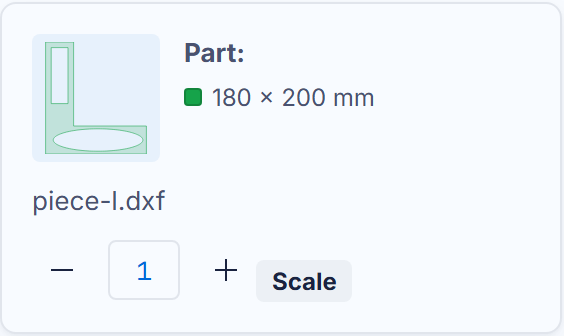
One file can carry several parts. Every closed contour becomes a part of the card; the card quantity applies to the whole drawing. Two tools on the card when the drawing is an assembly:
- Scale — if the DXF was drawn in a unit other than the one it declares, apply the exact factor on the card (×25.4 for inches taken for millimetres); the applied-scale finding stays on the card;
- Explode — by default, a multi-part drawing stays a RIGID BLOCK: the engine moves the assembly and never takes it apart. “Explode” detaches every part so each nests on its own. This is irreversible for that card — an accidental explode cannot be glued back.
A stroke that touches a part without crossing it — a text, a logo — follows its part into the cutting file: the ink travels with the metal.
An open contour is not a fatal error, but it is SAID: the finding announces “N open paths will not be cut — close them in your CAD”. Those paths do not follow the part to the cutting table: close them in your CAD and drop the file again — an open contour is almost always a badly joined line.