

SheetCam job file (.job)
SheetCam job file (.job)
Section titled “SheetCam job file (.job)”Working with SheetCam? Drop your .job on its own, without its DXFs:
everything that matters is already in it. NestorCut reads the file,
prepares the nesting, and hands you back a .job ready to reopen in
SheetCam.
The .job is deposited on “This device” — dropped in server mode, the
project switches to the device on its own.
What is read
Section titled “What is read”- the sheet: the dimensions of the
.jobwork zone become the project’s sheet; - the tool’s kerf: spacing is pre-filled at twice the kerf plus a safety margin — the setting that respects your torch;
- the quantities of each drawing;
- the part contours, read from the file’s cache — the original DXFs are not needed;
- your start points, including the ones you moved by hand in SheetCam: each card carries its own — copies placed by hand carry the “your point” mark — and the preview shows the lead-in path and the pierce disc before any computing.
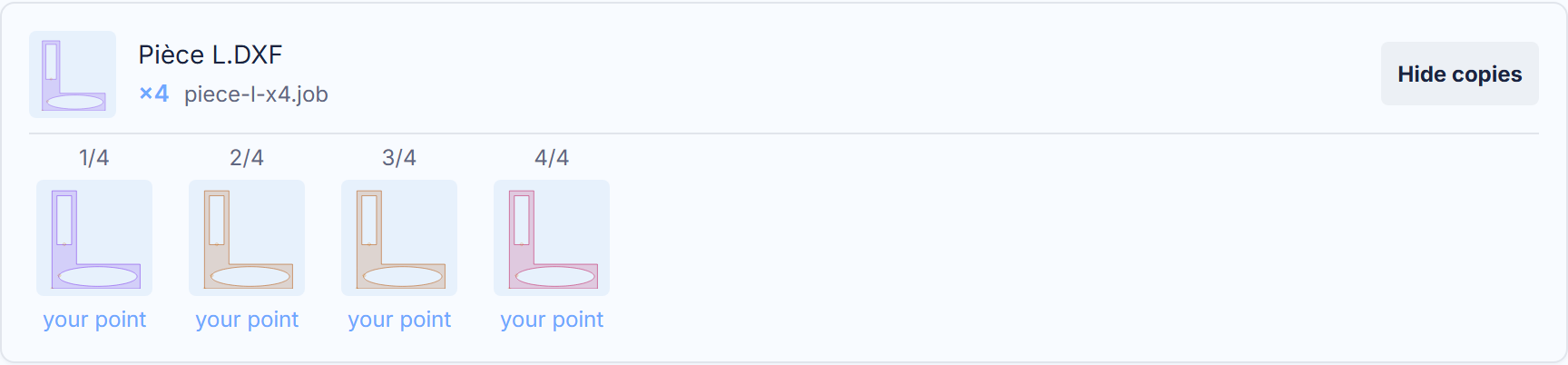
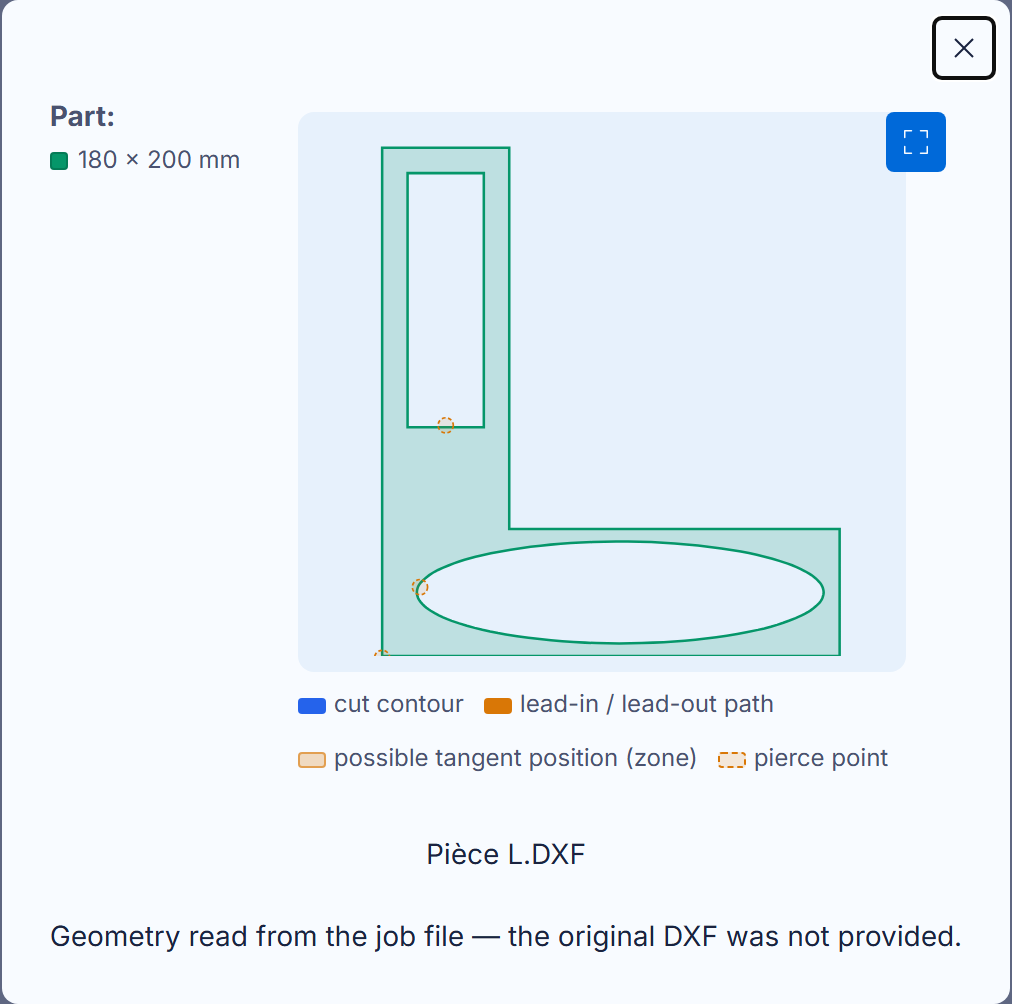
The preview enlarges with one click on the card: cut contour, lead-in path, possible tangent zone and pierce point, with their legend.
Why a drawing present four times gives four free parts
Section titled “Why a drawing present four times gives four free parts”A .job referencing the same drawing four times carries FOUR original
sections — SheetCam already treats them that way: each has its quantity,
its position, and its start point. NestorCut follows the same model:
one card per original section (“name (2/4)”, “name (3/4)”…), the copies
of a same original staying grouped. Your four start points are never
mixed up — each stays on ITS part.
What is returned
Section titled “What is returned”After the nesting, the .job download writes one file per sheet,
your parts placed in it, in SheetCam’s own language: reopen it and the
job is already set up. The start points you had moved by hand in
SheetCam are rewritten to the exact byte — your gesture survives the
trip through us.
What is not read yet
Section titled “What is not read yet”To be honest rather than silent: the .job’s keepout zones, its
multiple tools and multiple operations are not interpreted yet —
a file carrying them is nested without them. And the .job only drops
in device mode (see above). This list shortens with every version; the
app’s what’s-new journal says where it stands.